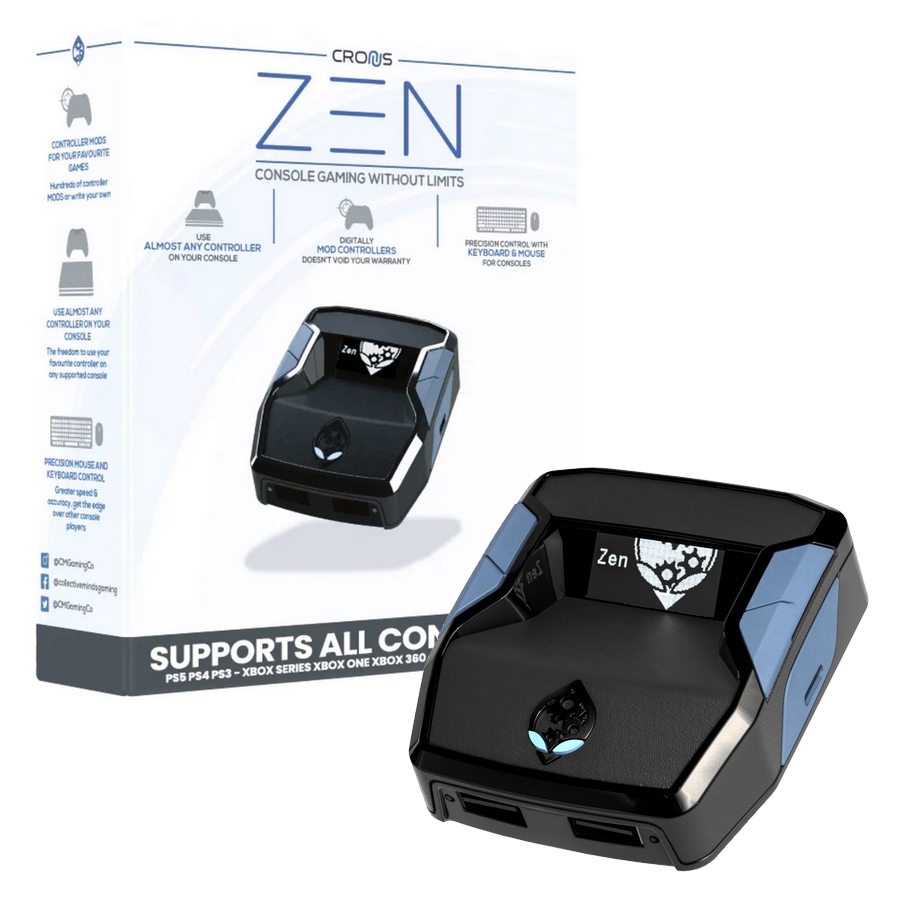
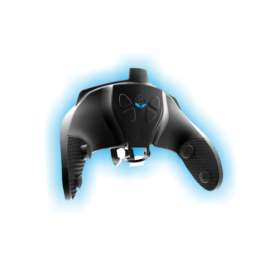
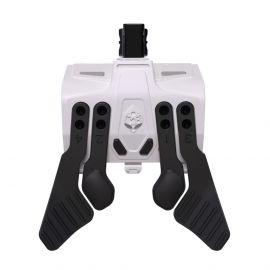
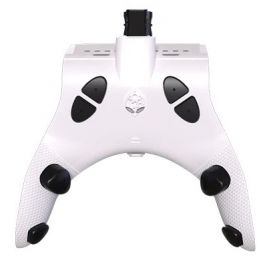
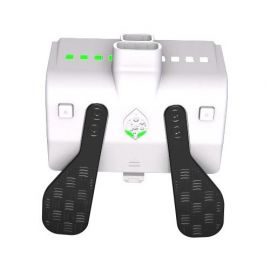
CRONUS ZEN

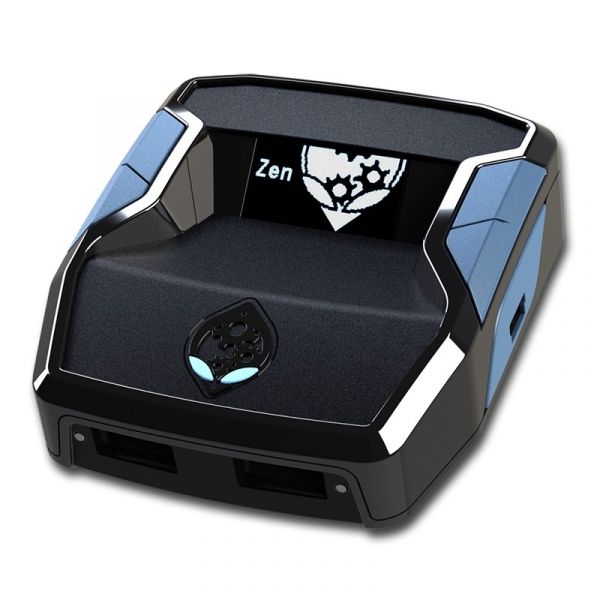
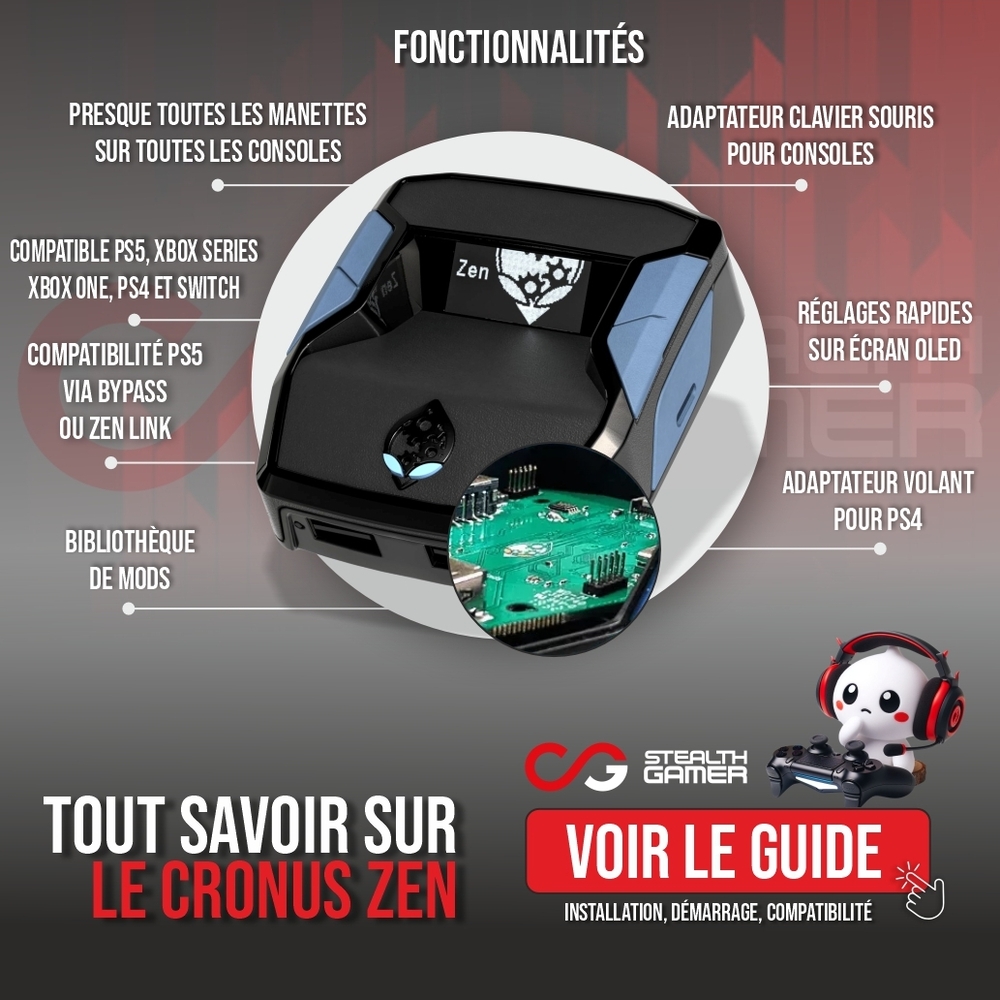
Discover the new USB-C version of Cronus Zen, the controller adapter, keyboard-mouse adapter, and mods for PS5*, Xbox Series, PS4, Xbox, and Switch.

€127.99
EN STOCK
Chez vous demain !*
En choisissant la livraison express d'ici h m s
Chez vous après-demain !*
En choisissant la livraison express d'ici h m s
Chez vous Mardi !*
Commandez jusqu'à Lundi 14h00 en choisissant la livraison express
How to use Cronus Zen

The Cronus Zen is a multi-platform controller adapter developed by Collective Minds, allowing you to use different controllers and, in some cases, a keyboard and mouse setup on console, including Xbox Series, PS5, and PC.


PS5 compatibility – important information before purchase

On Sony PS5, the Cronus Zen is not natively Plug and Play compatible. To use it on PS5, you can choose one of the following methods depending on your setup and usage:

PS5 BYPASS function of the Cronus
Remote Play method using the Cronus via PC
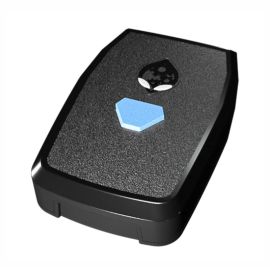
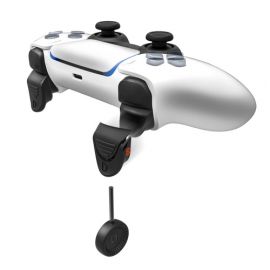
Official Zen Link adapter for Plug and Play use while retaining DualSense controller features

To choose the appropriate method and follow the setup steps, please refer to our Cronus Zen guide or the manufacturer’s official website.

Cronus Zen, the reference multi-platform controller adapter

With the Cronus Zen USB-C, successor to the CronusMAX, enjoy a powerful controller adapter designed to push the limits of your Xbox Series, PS5, and previous generation consoles. The Cronus Zen can emulate multiple devices and supports macros, mods, and custom profiles to personalize your gameplay. Using the Zen Studio software, you can configure your Cronus and fully unlock its potential.


Wide console compatibility

Cronus Zen compatibility on Xbox Series and PS5

The Cronus Zen is natively compatible with Microsoft Xbox Series consoles. It can also be used on Sony PS5 through specific connection methods such as the Cronus Zen Bypass or Remote Play. For Plug and Play use on PS5, the official Zen Link adapter provides a dedicated solution.

The Cronus is also compatible with previous generation consoles such as PS4, Xbox One, and Nintendo Switch.

Official controllers and extended compatibility

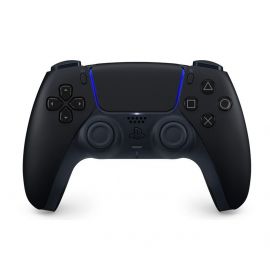
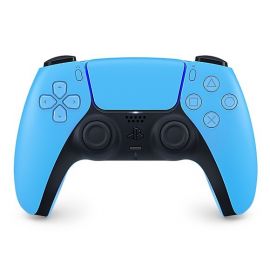
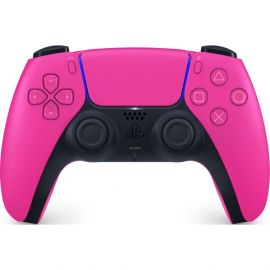
The Cronus Zen is a powerful adapter that allows you to use a controller that is not natively supported by your console. Use official Sony DualSense and Sony DualShock controllers, Xbox controllers (standard or Xbox Elite), and many others on the platform of your choice.

In addition to official controllers, the Cronus offers extended compatibility with selected third-party controller models, according to the manufacturer’s compatibility list. It can work with devices from well-known brands such as SCUF, RAZER, NACON, or ASTRO (see compatibility list), allowing you to adapt your setup to your playstyle and platform.

Keyboard, mouse, and accessibility on console

The Cronus Zen can enable keyboard and mouse gameplay on console when native support is not available, thanks to its built-in keyboard and mouse emulator and advanced settings such as the Ballistic Curve. It can also be used as part of an accessibility approach, allowing the use of auxiliary controllers and adaptive solutions depending on the player’s setup.


Cronus Zen official multi-platform controller adapter

Cronus Zen specifications

  • Compatible with Xbox Series, Xbox One, Xbox 360, PS4, PS3, and Nintendo Switch
  • PS5 compatibility via Bypass or Remote Play, depending on configuration, with options such as Zen Link or PC
  • Compatible with Xbox Series X|S, Xbox controllers via USB connection only
  • Setup and configuration on Windows 10/11 PC required
  • Keyboard and mouse emulation on console
  • Wired and wireless functionality via Bluetooth
  • Support for macros, mods, and GamePacks through Zen Studio
  • Integrated OLED display for easy configuration
  • 5 USB ports for connecting accessories
  • 32K programmable memory
  • Supplied with 4 cables, USB-C x3 and Micro USB x1

Frequently asked questions about Cronus Zen

Is Cronus Zen legal?
The Cronus Zen is a hardware peripheral device, and its use is legal as a product. However, some games or platforms may restrict or prohibit its use according to their own rules.

Using the Cronus as a controller adapter may be tolerated, while the use of macros, advanced profiles, or scripts can be subject to limitations. Always refer to the terms and conditions of each game.
Is Cronus Zen detectable?
The Cronus Zen operates as an external peripheral connected to a console or PC. Detection and tolerance policies vary depending on the game, platform, and online mode.

Some anti-cheat systems analyze player behavior. The use of mods or configurations that result in non-natural input patterns may, in some cases, be considered non-compliant with game rules. It is therefore recommended to use appropriate configurations and follow each game’s policies.

L'avis de l'expert

4.8  /5

  • Usability

  • Ease of use

  • Value

  • Console performances

Laurent

Stealth Gamer Technician

The Cronus Zen stands out as one of the most complete multi-console controller adapters currently available. Compatible with Xbox Series, PS5, PS4, Xbox One, and Nintendo Switch, it allows you to use controllers that are not natively supported by your console. DualSense, DualShock, standard and Elite Xbox controllers, as well as selected third-party models depending on the official compatibility list, the Cronus provides a flexible solution for gamers looking to centralize and optimize their setup. It also enables keyboard and mouse use on console, further expanding configuration possibilities. Thanks to its integrated OLED display and the Zen Studio software, setting up the Cronus remains accessible even for users new to the Cronus ecosystem. Profiles, macros, and advanced settings are fully customizable, allowing players to tailor configurations to their specific playstyle. However, advanced optimization may require some learning time, particularly when fine-tuning detailed settings to fully unlock the device’s capabilities. A Windows 10 or Windows 11 PC is required for initial setup, firmware updates, and profile management through Zen Studio, which is an important consideration before purchase. When used on PS5, the Cronus Zen operates through the Bypass method, which is required at each console startup. Once understood, the procedure becomes straightforward and part of the normal workflow for PS5 users. For full compatibility with the DualSense controller and its advanced features, including adaptive triggers, haptic feedback, touchpad functionality, and gyroscope support, the optional Zen Link module provides extended support while maintaining minimal latency, delivering a more seamless experience. Our review of the Cronus Zen is that it is best suited for players seeking advanced controller compatibility and a high level of customization. It is not a basic plug-and-play adapter, but a powerful configuration tool that requires initial PC setup and a solid understanding of its settings to maximize performance. When used appropriately and in accordance with individual game and platform policies, the Cronus represents a technically advanced solution for enhancing and personalizing a gaming setup.

New Neuf
SKU CM00053
Product Type Accessories, Keyboard / Mouse Adaptor, Controller Adaptor
Warranty 2 ans
Compatibility PC, PS4, PS5, XBOX ONE, Xbox Series, SWITCH
Wireless No
Eco Taxe DEEE €0.05
EAN13 0183654000531
Customer Questions
No Questions
Please, mind that only logged in users can submit questions

Notice to players regarding the use of console adapters

Stealth Gamer informs its customers that the installation and use of mod packs commonly referred to as "Modpacks" or "scripts" on console adapters such as Collective Minds products, including the Strike Pack and Cronus ZEN, as well as third-party solutions like Beloader or XIM, may be contrary to the terms and conditions of certain game developers, publishers, or online platforms.

Although these adapters are not considered "hacks" in the strict sense, as they do not modify the game, the console, or the PC, and do not inject any code such as aimbot, wallhack, god mode, or similar software, the use of scripts, macros, or mods may exploit certain in-game mechanics. Such usage may be considered contrary to community rules, fair play policies, or codes of conduct established by game publishers.

Game developers and publishers regularly strengthen their anti-cheat systems. Increasingly, anti-cheat solutions do not rely solely on software or hardware detection, but also analyze player input behavior, including repetition patterns, consistency, or actions deemed non-natural when using scripts or mods.

The manufacturer Collective Minds states that the use of scripts or mods on certain titles, including games published by Epic Games, such as Fortnite and Rocket League, as well as games published by EA, including the Battlefield series (such as Battlefield 6), may violate the terms of use set by these publishers. Such use may result in warnings, temporary suspensions, or permanent bans of the associated Epic Games or EA accounts.

It should also be noted that using a third-party device on online services such as Xbox Live or the PlayStation Network always carries a potential risk of detection or restriction by these services. Such detection may lead to account limitations or suspension, depending on the policies in force.

As a result, the use of unauthorized third-party products, scripts, or mods is the sole responsibility of each individual user.
The use of scripts or mods, especially in online game modes, is not encouraged by Stealth Gamer.

Stealth Gamer cannot be held responsible for any consequences resulting from the use of these products or features.

L'avis de l'expert

4.8  /5

  • Usability

  • Ease of use

  • Value

  • Console performances

Laurent

Stealth Gamer Technician

The Cronus Zen stands out as one of the most complete multi-console controller adapters currently available. Compatible with Xbox Series, PS5, PS4, Xbox One, and Nintendo Switch, it allows you to use controllers that are not natively supported by your console. DualSense, DualShock, standard and Elite Xbox controllers, as well as selected third-party models depending on the official compatibility list, the Cronus provides a flexible solution for gamers looking to centralize and optimize their setup. It also enables keyboard and mouse use on console, further expanding configuration possibilities. Thanks to its integrated OLED display and the Zen Studio software, setting up the Cronus remains accessible even for users new to the Cronus ecosystem. Profiles, macros, and advanced settings are fully customizable, allowing players to tailor configurations to their specific playstyle. However, advanced optimization may require some learning time, particularly when fine-tuning detailed settings to fully unlock the device’s capabilities. A Windows 10 or Windows 11 PC is required for initial setup, firmware updates, and profile management through Zen Studio, which is an important consideration before purchase. When used on PS5, the Cronus Zen operates through the Bypass method, which is required at each console startup. Once understood, the procedure becomes straightforward and part of the normal workflow for PS5 users. For full compatibility with the DualSense controller and its advanced features, including adaptive triggers, haptic feedback, touchpad functionality, and gyroscope support, the optional Zen Link module provides extended support while maintaining minimal latency, delivering a more seamless experience. Our review of the Cronus Zen is that it is best suited for players seeking advanced controller compatibility and a high level of customization. It is not a basic plug-and-play adapter, but a powerful configuration tool that requires initial PC setup and a solid understanding of its settings to maximize performance. When used appropriately and in accordance with individual game and platform policies, the Cronus represents a technically advanced solution for enhancing and personalizing a gaming setup.